Investigating a corporate email compromise: silent forwarding and BEC
Three mailboxes, a week of unnoticed access, a hidden forwarding rule and groundwork for BEC fraud. How to reconstruct an attack from mail server logs.
Translated from the Russian original. Русская версия
The ticket looked routine: “A strange email went out from our mailbox to someone, please check.” It turned out that attackers had access to three corporate mailboxes for more than a week, downloaded the mail and received a copy of every new message. Below is how the picture was reconstructed from mail server logs, and what any company should take away from it.
The incident is fully anonymized: no organization names, addresses, IPs or exact dates. Times are relative to the start of the attack.
Starting point
- The customer’s mail server on our hosting: IMAP/SMTP and Roundcube webmail.
- The complaint: an email the employee never sent.
- Available for analysis: IMAP, SMTP and webmail logs, including the Roundcube activity log.
The first rule of any investigation: preserve the logs first, change things second. Log rotation can easily wipe the most important moment — the first login.
How to search: from an anomaly to a timeline
The starting point is the suspicious email. The chain unwinds from there:
- SMTP log: who passed
SMTP AUTHand from which IP, and sent the email. - That IP in the IMAP and webmail logs: where else it logged in.
- All logins to the affected mailboxes over a long period: which IPs and countries are normal for them and which are not.
- New IPs go back through all the logs until the circle closes.
In practice a simple rule works well: for a small company whose employees all work from one country, any successful login from abroad via a data center or VPN is a red flag. A GeoIP and ASN check immediately separated legitimate logins from foreign ones: every suspicious address belonged to hosting providers and VPN services in different countries.
Attack timeline
| Time | What happened |
|---|---|
| Day 1, morning | First successful IMAP login into all three mailboxes at once — a foreign data center IP |
| Day 1, +3 hours | More IMAP logins from another foreign IP |
| Day 1, next 2 hours | Bulk mail download over IMAP from a third address (VPN) |
| Day 1 | A Sieve forwarding rule is created in one mailbox — a copy of all incoming mail goes to an external address |
| Day 3, evening | Via SMTP AUTH, one mailbox sends an email with an attachment to a business partner — the very “strange” email |
| Day 8 | Webmail login from yet another country: viewing settings, forwarding filters, password change and signatures |
| Day 8, +1 hour | Another webmail login, viewing emails that look like notifications from European banks |
An important detail: from the very first login the attacker used the correct passwords for all three mailboxes. This was not brute force — the passwords were stolen beforehand: through phishing, a leak from another service, or password reuse.
What the attackers did and why
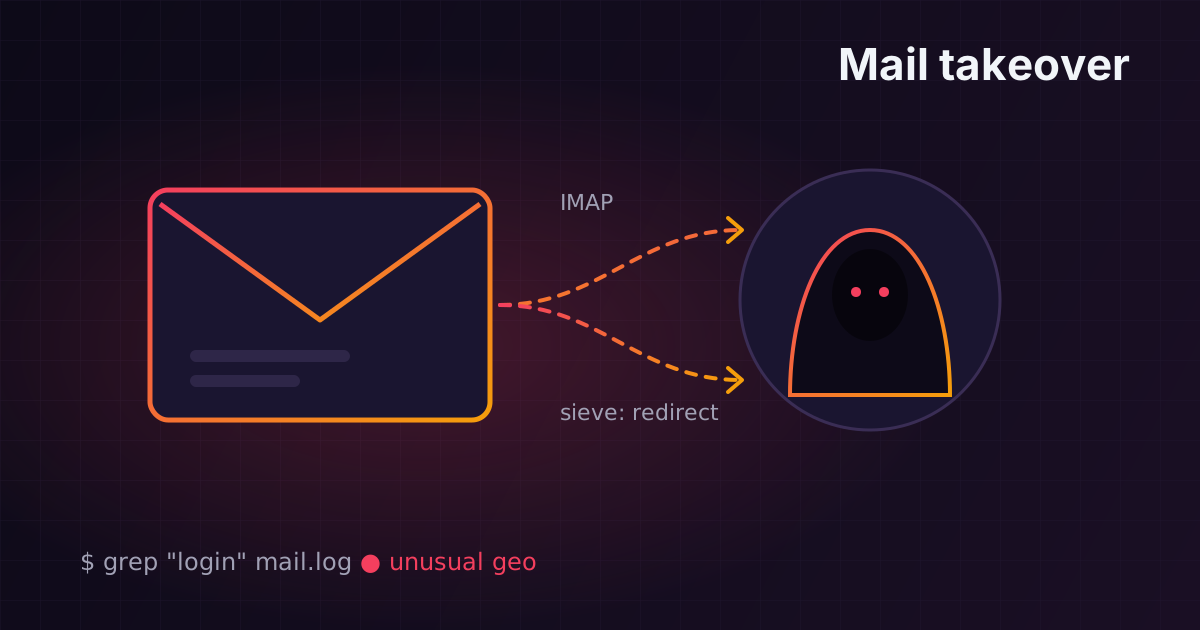
- Downloading mail over IMAP. The protocol is convenient for an attacker: no need to open the web interface, and the user notices nothing.
- Hidden forwarding via Sieve. The most dangerous part: even after a password change, copies of the mail keep leaving until the rule is deleted. Such a rule is easy to miss in the mail interface.
- Sending an email to a business partner. Classic BEC: an email from a real mailbox, inside a live thread, with an attachment. The recipient trusts the sender because the mailbox is genuine.
- Studying the settings through webmail. The attacker checked that forwarding was still in place and whether the password and signature could be changed — in other words, they were establishing persistence and preparing the next step.
The attack type is BEC (Business Email Compromise): taking over business correspondence for financial fraud — swapping bank details in invoices, “urgent” payments on behalf of a manager, sending malicious attachments to partners.
Impact
- three employees' mail over a long period is in the attacker’s hands;
- every incoming email since day one of the attack was forwarded outside;
- business correspondence, invoices, personal data and partners who may have received emails on behalf of the company are all at risk.
What to do in an incident like this
Immediately:
- change the passwords of all affected mailboxes and every mailbox with similar passwords;
- delete forwarding rules and Sieve filters — check not only the affected mailboxes but all the others too;
- terminate active IMAP and webmail sessions;
- block the attackers' IPs at the mail server firewall;
- warn partners who may have received emails on behalf of the company: don’t make payments to bank details from those emails without a phone call.
Then:
- check the mailbox owners' workstations for malware — the passwords may have been stolen from them;
- find out where the passwords leaked from: phishing emails, breaches, password reuse;
- save the indicators of compromise (IPs, forwarding addresses, email subjects) and put them under monitoring.
How to prevent it
- Two-factor authentication for webmail, and disabling “plain” protocols without it where possible.
- Alerts on logins from an unusual country or from data center IPs — even simple SIEM rules catch this.
- Blocking or controlling automatic forwarding to external addresses at the mail server level.
- Unique strong passwords and a password manager.
- Employee training: an email from the “bank” or a “partner” asking you to urgently enter a password or pay an invoice is a reason to call back.
- SPF, DKIM and DMARC — they won’t stop a login to a real mailbox, but they make it harder to spoof your domain in other attacks. You can check your domain with the mail checker on this site.
Conclusions
- The most dangerous email compromises are quiet ones. An attacker gains more by reading mail for weeks and waiting for the right moment for fraud than by sending spam.
- A password change does not close the incident if the forwarding rules are not removed.
- Mail server logs let you reconstruct almost the whole picture — if you save them before rotation wipes them.
- A login from abroad via VPN or a data center into the mailbox of an employee of a local company is one of the cheapest and most reliable signals to monitor.
I collect signals like these in a SIEM — more in Building a SOC on Wazuh from scratch.