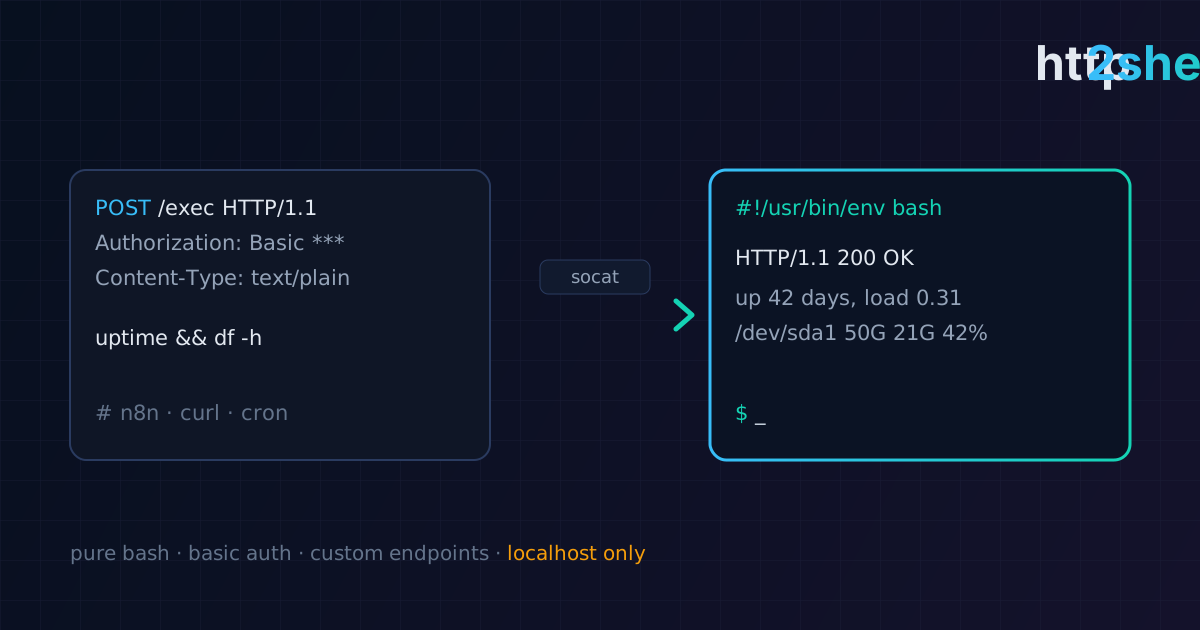
http2shell: an HTTP API in pure Bash
A lightweight HTTP API server on Bash and socat with no frameworks. It was born from n8n's limit on command output size — and turned out useful for automation, labs and CTFs.
Translated from the Russian original. Русская версия
Sometimes you need to trigger a command on a server over HTTP: from an automation system, from a script on another machine, from a pipeline. Spinning up a Python service with a framework for that is overkill. That’s how http2shell came about — an HTTP API server written entirely in Bash.
Why
I was automating bug bounty workflows in n8n and hit a limitation: n8n doesn’t keep shell command output larger than 1 MB. For recon tools that produce megabytes of subdomains and URLs, that’s a dealbreaker. The fix was to move command execution into a separate HTTP service and fetch the result with a regular HTTP request.
The idea was inspired by an article on Habr about an HTTP server in Bash; I grew it into a tool with authentication, custom endpoints and timeouts.
Features
- pure Bash, no frameworks;
- HTTP Basic Authentication;
- built-in system information endpoints;
- arbitrary command execution (can be disabled);
- custom endpoints: URI → command;
- the system shell by default or any shell you choose;
- timeouts for command execution and for reading the request body;
- colored logs (can be turned off).
Dependencies are minimal: bash, socat, jq, timeout, dd, sha256sum and standard utilities.
Installation and launch
apt install socat jq          # Debian/Ubuntu
git clone https://github.com/solo10010/http2shell.git
cd http2shell
chmod +x http2shell.sh
./http2shell.sh
By default the server listens on 127.0.0.1:8007 with Basic Auth rest:api (change it!) and the /exec endpoint enabled.
Options
-ip, --ip <ip>                  address (default 127.0.0.1)
-port, --port <port>            port (default 8007)
-u, --user / -p, --pass         Basic Auth login and password
-s, --shell <path>              shell used to run commands
--no-exec                       disable /exec and /execf
-e, --endpoint <uri> <command>  add a custom POST endpoint
--cmd-timeout <sec>             execution timeout (default 20)
--body-timeout <sec>            request body read timeout (default 10)
--no-color                      no colored logs
Examples
System information:
curl -u user:pass http://127.0.0.1:8007/api/uptime
curl -u user:pass http://127.0.0.1:8007/api/disk
Running a command:
curl -u user:pass -X POST http://127.0.0.1:8007/exec -d "id"
A custom endpoint instead of arbitrary execution — the preferred option:
./http2shell.sh --no-exec --endpoint /api/procs "ps aux"
curl -u user:pass -X POST http://127.0.0.1:8007/api/procs
Using it from n8n
In n8n it’s a regular HTTP Request node:
- method
POST; - URL — the http2shell address and endpoint (
/execor a custom one); - authentication — Basic Auth;
- body — the command as text.
The response comes back as a normal HTTP response, without the 1 MB limit, and is processed further in the workflow.
Security comes first
A service that runs commands over HTTP is remote code execution by definition. So:
- never expose http2shell to the internet. Only
127.0.0.1or an internal network / VPN; - change the default login and password;
- disable
/exec(--no-exec) and use only predefined endpoints with fixed commands; - run it as an unprivileged user, not root;
- Basic Auth sends the password in clear text — if traffic leaves localhost, put a reverse proxy with TLS in front of the service;
- restrict access with a firewall.
The tool was built for internal automation, DevOps tasks, training labs and CTFs — those are the scenarios where it belongs.
Takeaways
http2shell shows that simple tasks don’t require pulling in a framework: Bash and socat give you a working HTTP API in a few hundred lines. And the main lesson: any “convenient way to run a command remotely” must be designed with access restrictions from the start, or it becomes someone else’s backdoor.