Migrating customer mail: imapsync-manager
Mail migration is a frequent task at a hosting company and a frequent source of complaints. How I automated bulk mailbox migration on top of imapsync and checking that everything arrived.
Translated from the Russian original. Русская версия
A customer is moving to us from another host, they have twenty mailboxes, and all their mail has to end up on the new server. Sounds simple, but in practice you run into authentication errors, different folder structures and the customer’s main question: “Are you sure everything was moved?”. The standard migration tool is imapsync. But dozens of mailboxes need some wrapping: bulk runs, size checks and a clear summary. That’s how imapsync-manager came about.
What it does
imapsync-manager is a Bash script on top of imapsync that:
- checks the size and folder count of mailboxes before and after migration;
- migrates every mailbox from a file with one command;
- shows which mailboxes have login problems;
- collects an error summary into a separate log.
Installation
First you need imapsync itself (install it following the author’s instructions on his site). Then:
git clone https://github.com/solo10010/imapsync-manager
cd imapsync-manager
chmod +x sync.sh
./sync.sh --help
The mailbox list file
Mailboxes are listed in a file, one “from → to” pair per line:
old_host;login;password;new_host;login;password;
old_host;login;password;new_host;login;password;
The file contains customer passwords. Keep it with mode
600, work with it only on the migration server and delete it right after the migration.
The workflow
1. Check before migrating. You immediately see which mailboxes have wrong passwords and how much data there is to move:
./sync.sh --file listmail.txt --size
=============== start check mails (3) ===============
user1@old: success login MailSize:5.14 MB Folder:5 -> user1@new: success login ... SUCCES!
user2@old: failed login ...                      -> user2@new: failed login  <X> FAILED!
=================== SOURCE MAIL =====================
SOURCE      Total Mail Size: 5.14 MB
SOURCE      Total Folder Count: 10
Sort out mailboxes with login errors with the customer before starting — it saves time and nerves.
2. Migrate:
./sync.sh --file listmail.txt --migrate
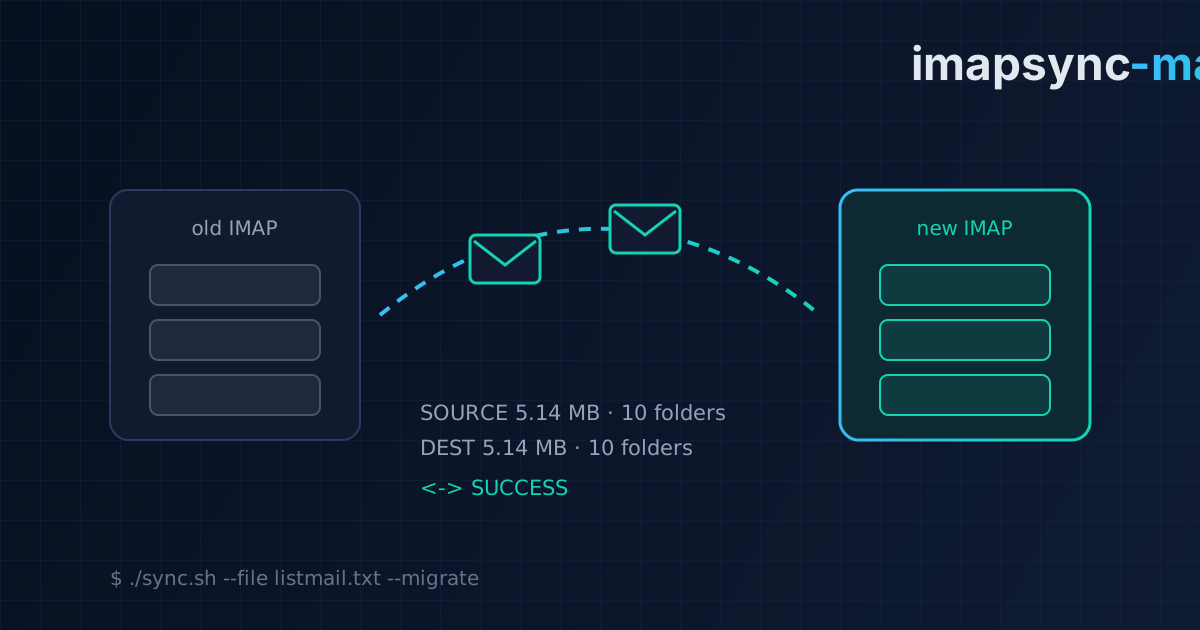
3. Check afterwards. The same --size shows the size and folder count on the source and the destination. If the numbers match, you can confidently tell the customer “everything was moved” and attach the summary.
If IMAP on the old server runs without SSL on port 143:
./sync.sh --file listmail.txt --port 143 --size
Practical mail migration tips
- Check first, migrate second. Wrong passwords are the most common cause of “lost” mailboxes.
- Migrate before switching MX, then run the sync again afterwards. imapsync will copy the messages that arrived at the old server while DNS was updating.
- Compare sizes and folder counts, not just “the script didn’t crash”.
- Warn the customer about rules, filters and address books — they aren’t stored in IMAP and imapsync doesn’t move them.
- Delete the password file when you’re done, and ask the customer to change passwords if they were sent by email or messenger.
Takeaways
Mail migration is routine but sensitive: customers judge a host by whether a single message got lost. A wrapper around imapsync turned migrating dozens of mailboxes into three commands with clear reporting — check, migrate, verify. At the company I also built an internal mail migration service for my colleagues.