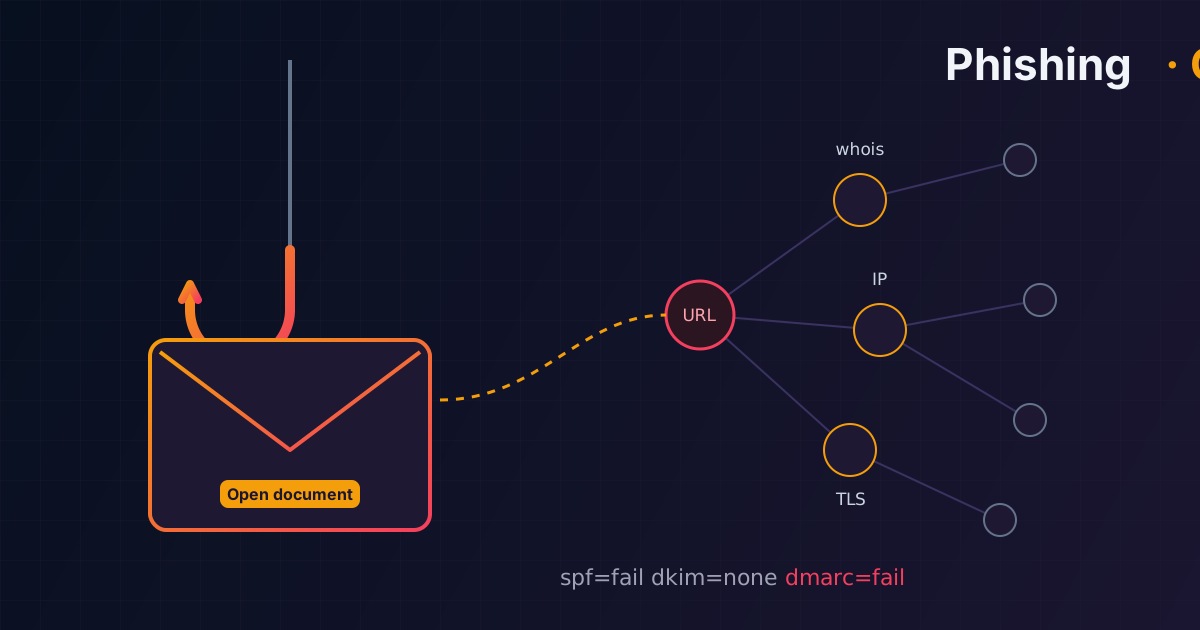
Investigating a phishing email with OSINT, step by step
From a suspicious email to indicators of compromise: headers, SPF/DKIM/DMARC, safe link analysis, OSINT on the infrastructure and what to do next.
Translated from the Russian original. Русская версия
Phishing is the most common way to start an attack on a company. The goal of investigating an email isn’t just to say “it’s phishing” but to collect indicators, understand the attack path, confirm it’s malicious and find everyone affected. Below is the order I follow when taking such emails apart.
1. First look at the email
Even before any technical analysis, the signs are usually visible:
- visual: a distorted logo, broken layout, an impersonal “Dear customer”;
- social engineering: urgency, a “view document” button, a promised parcel, invoice or fine;
- addresses: do the domains in
From,Return-PathandReply-Tomatch the expected sender.
Next come the email headers (“Show original” or “View source” in the mail client):
- SPF / DKIM / DMARC — the check results in
Authentication-Results: who really sent the email and whether it’s signed by the domain inFrom; - the
Receivedchain — bottom to top: the sender’s external IP and the delivery path.
2. Check the sender
- The sender IP — in VirusTotal, AbuseIPDB, Cisco Talos, Spamhaus.
- WHOIS and ASN — whose hosting or provider it is.
- An SPF fail for a legitimate domain — a strong sign of sender spoofing.
- Missing DKIM or a signature from someone else’s domain — record it as an authentication failure.
You can quickly check a domain’s SPF, DMARC and MX records with the mail checker on this site.
3. Analyze the link — only in isolation
The main rule: never open the link from a work machine. Use sandboxes and online services:
- urlscan.io — screenshot, redirects, DOM, page requests;
- VirusTotal for the URL;
- Any.Run or a similar sandbox;
- a separate virtual machine with a browser.
What to look at:
- the actual redirect chain — phishing pages often hide behind several URL shorteners and “clean” domains;
- whether the victim’s address is filled into the URL or the form — a sign of a targeted campaign;
- where the entered data goes. The Network tab in DevTools shows which endpoint the form submits to. A classic credential harvester:
POST /post.php
status: 200
payload: email=...&password=...
4. OSINT on the domain and infrastructure
- WHOIS: registrar and creation date — domains registered a few days ago are suspicious;
- DNS: A, MX and NS records;
- TLS certificate: who issued it, which other domains are in the SAN;
- IP: reverse DNS, open ports, neighboring domains on the same IP — often an entire phishing campaign;
- urlscan history — whether this page appeared before and under which domains;
- Censys and Shodan — banners, related infrastructure, identical certificates on other hosts.
5. Which indicators to save
- the sender IP;
From,Return-Path,Reply-To;- the phishing URL and the whole redirect chain;
- the page domain and the hosting IP;
- the endpoint credentials are sent to;
- attachment hashes, if any;
- screenshots of the email and the page;
- SPF / DKIM / DMARC results.
6. What to do once it’s confirmed
- Block the domain, IP and URL on the mail gateway, DNS filter, proxy or EDR.
- Send the indicators to the SIEM and run a retrospective search: who else received this email, who opened the link.
- If credentials were entered — reset the password, terminate all sessions and revoke tokens. Then check the mailbox for forwarding rules (I covered how that plays out in the corporate email compromise article).
- Report the phishing page to Google Safe Browsing, Microsoft, the registrar and the domain’s hosting provider.
- Warn employees — with a short message and a screenshot of the email.
Useful resources
- curated collections of OSINT services for checking IPs, domains and email (for example, collections on start.me);
- the phishing_pot repository on GitHub — a collection of real phishing emails for research and writing detection rules.
In short
- Headers and SPF/DKIM/DMARC — who really sent the email.
- The link — only in a sandbox, look for the data collection endpoint.
- OSINT on the infrastructure uncovers the whole campaign, not just one page.
- Indicators go into blocklists and into the SIEM to find other victims.
- For those affected — password reset, session termination and a check for forwarding rules.